
Official Kemo IPTV Provider • Anti-Freeze 4K Server
Kemo IPTV™ Official — #1 Best IPTV Service 2026
Stream 20,000+ live 4K & FHD channels, major football, basketball & international sports leagues, and 40,000+ on-demand movies with anti-freeze servers on Firestick, Smart TV, Android, iOS, or PC. Instant 24/7 WhatsApp activation, EPG TV guide, and 24-hour free trial.
The essentials
What is Kemo IPTV and how does it work?
Kemo IPTV delivers live television and on-demand entertainment through your internet connection. Instead of installing a satellite dish or renting another television box, you use a compatible IPTV player on a device you already own.
We provide Kemo IPTV subscriptions and help you set them up. Choose your subscription term and tell us which device you want to use. We send your login details, guide you through the correct installation method and help you get the service working properly.
Support does not end when your login arrives. If you later need help with your player, connection or setup, you can continue through the same WhatsApp conversation. Start with our Firestick setup guide or work through buffering and login problems using the troubleshooting guide.
Subscription plans
Choose your Kemo IPTV subscription plan
Plans start from $15.99 for one connection. Choose the subscription length that suits you, with setup guidance and WhatsApp support included.
1 Month
$15.99
$15.99 per month equivalent · 1 connection
- 20,000+ live channels and 40,000+ on-demand titles
- Electronic program guide (EPG)
- HD, Full HD and 4K where available
- Works on every supported device
- 7-day money-back guarantee
6 Months
$49.99
$8.33 per month equivalent · 1 connection
- 20,000+ live channels and 40,000+ on-demand titles
- Electronic program guide (EPG)
- HD, Full HD and 4K where available
- Works on every supported device
- 7-day money-back guarantee
Best value
12 Months
$74.99
$6.25 per month equivalent · 1 connection
- 20,000+ live channels and 40,000+ on-demand titles
- Electronic program guide (EPG)
- HD, Full HD and 4K where available
- Works on every supported device
- 7-day money-back guarantee
Monthly figures are the total divided by the term, shown so you can compare like with like. There is no monthly billing option beyond the one-month plan.

What you can watch
Explore Kemo IPTV channels by category
Browse live sports, films, television series, news, family entertainment and international content. Categories are organized to make finding what you want easier across compatible IPTV player apps.
Channel availability, catalog size and stream quality vary by region and change over time. Ask us about a specific channel, competition or country before subscribing if it matters to you.

01 / Content
Live sports
Domestic and international leagues, live.
Coverage of any specific fixture depends on regional licensing and can change.

02 / Content
Film
An on-demand film library, recent and back catalog.
Titles are added and removed over time, and availability varies by region.

03 / Content
Series
Complete runs and current seasons, organized by show.
Which series are carried changes over time.
04 / Content
News
National and international news channels, live.
Regional availability varies.

05 / Content
Kids and family
Children's channels, grouped separately.
There is no built-in parental lock beyond what your player app provides.

06 / Content
International
Channels from multiple regions and languages.
What is available in your region varies. Ask before you buy if a particular country matters to you.


Real support
Kemo IPTV support from purchase to setup
Choosing a plan is only the beginning. Tell us which device you use and we will help you identify a compatible player, enter your login details and complete the initial setup. Ordering, installation and troubleshooting stay in one WhatsApp conversation, so the support history is available if you need help again later.

Device compatibility
Watch Kemo IPTV on the devices you already own
Use a compatible IPTV player on your Firestick, Smart TV, Android device, iPhone, iPad or computer. No satellite dish or technician visit is required.


Firestick & Fire TV
The most common way to watch, and the quickest to set up.
Setup guideSamsung & LG
Tizen and webOS, using a player from the TV's own store.
Setup guideAndroid TV & boxes
Phones, tablets, Android TV, Nvidia Shield and similar boxes.
Setup guideiPhone & iPad
Plus Apple TV, using an App Store player.
Setup guideWindows & Mac
VLC or a desktop IPTV player.
Setup guideRoku
Limited — Roku does not permit these apps. Mirroring works but is worse.
Setup guide
Simple setup
How to set up Kemo IPTV in three clear steps
 01
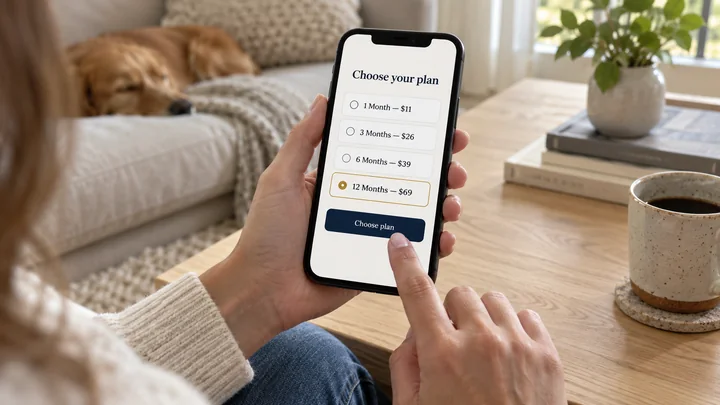
01Choose your plan and device
Select your preferred subscription and tell us whether you use a Firestick, Smart TV, Android device, iPhone, iPad or computer.
 02
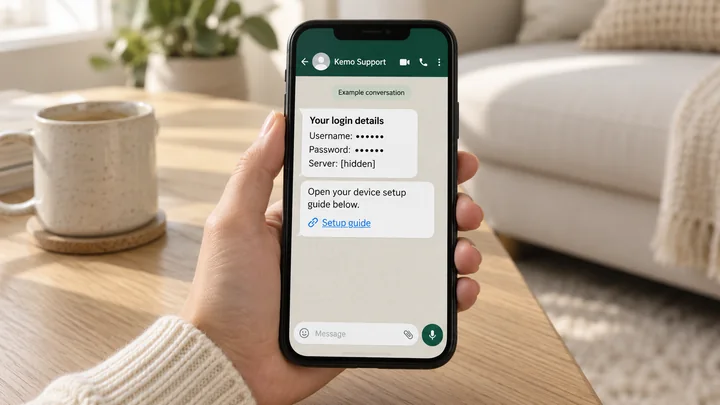
02Receive your login details
We provide the credentials required by your compatible IPTV player together with the relevant setup guidance.
 03
03Add your details and start watching
Enter the supplied details in your player and load the available live and on-demand categories.


Setup guide for your device
Kemo IPTV questions, answered clearly
What is Kemo IPTV?
Kemo IPTV is a subscription television service delivered through your internet connection. You use a compatible player on a supported device and sign in with the details provided with your subscription. There is no satellite dish or engineer visit.
Which devices are supported?
Supported options include Firestick and Fire TV, compatible Samsung and LG Smart TVs, Android phones and TV boxes, iPhone, iPad, Windows PC and Mac. Roku has more limited options. The right player depends on the device and operating system.
Is the IPTV player included with my subscription?
The player and subscription are separate. Some IPTV players are free, while others may charge their own activation or premium-feature fee. We help you identify an appropriate option for your device.
How many devices can I use at the same time?
Choose one, two, three, four or five simultaneous connections. The pricing page shows the exact total for every connection tier and subscription term.
What internet speed do I need?
As a general guide, approximately 10 Mbps per HD stream and 25 Mbps per 4K stream is recommended. Device performance, Wi-Fi quality and network congestion can also affect playback. Ethernet is usually more reliable when it is available.
Why might a stream buffer, and how do I fix it?
Restart your IPTV player and router first. If the problem continues, test another stream, clear the player cache, try Ethernet instead of Wi-Fi, or select a lower-quality version of the same channel. Our troubleshooting guide walks through the checks in order.
Can I get a refund?
Yes. The conditions, including the window and what is excluded, are set out in full on the refund policy page rather than buried in the terms.
Is Kemo TV the same name as Kemo IPTV?
Kemo TV, KemoIPTV and Kemo IP TV are common ways people write or search for the Kemo IPTV name. On this website, we use Kemo IPTV consistently so subscription, setup and support information is easier to recognize.
Are you connected to the broadcasters or networks whose channels appear?
No. Broadcaster, network, studio, sports-league and channel names and marks belong to their respective owners, and they neither endorse nor are connected to us. We mention them only to describe what a category contains. Channel availability is subject to regional licensing and can change.
Having trouble with buffering, login details or a blank TV guide? Work through the checks in order using our troubleshooting guide.

Try Kemo IPTV on your own device first
Test the service on your own connection and compatible player before choosing a longer subscription.