 IPTV for Firestick
 IPTV for Android/Smart TV
 Apple & iOS
 Windows / Mac
 Roku
RokuKemo IPTV with IPTV Smarters Pro: Best 2026 Setup Guide
Introduction
As we navigate the digital entertainment landscape of 2026, the combination of high-quality streaming services and powerful playback applications has become the gold standard for home cinema enthusiasts. Among the most popular configurations for users worldwide is the pairing of Kemo IPTV with the IPTV Smarters Pro application. This combination offers an unparalleled level of control, visual fidelity, and ease of use that traditional broadcasting simply cannot match.
Whether you are a seasoned cord-cutter or a newcomer looking to transition away from expensive cable contracts, understanding how to properly configure your player is essential. In this guide, we will dive deep into the technical setup, optimization strategies, and the unique benefits of using this specific duo. By the end of this article, you will understand why many users consider this the definitive way to consume media in the modern era.
Why Kemo IPTV and IPTV Smarters Pro is the Perfect Match
Choosing the right service is only half the battle; the application you use to interface with that service dictates your daily experience. IPTV Smarters Pro has earned its reputation as a leading player because of its versatility and robust feature set, which perfectly complements the high-speed infrastructure of Kemo IPTV.
Enhanced User Interface and Navigation
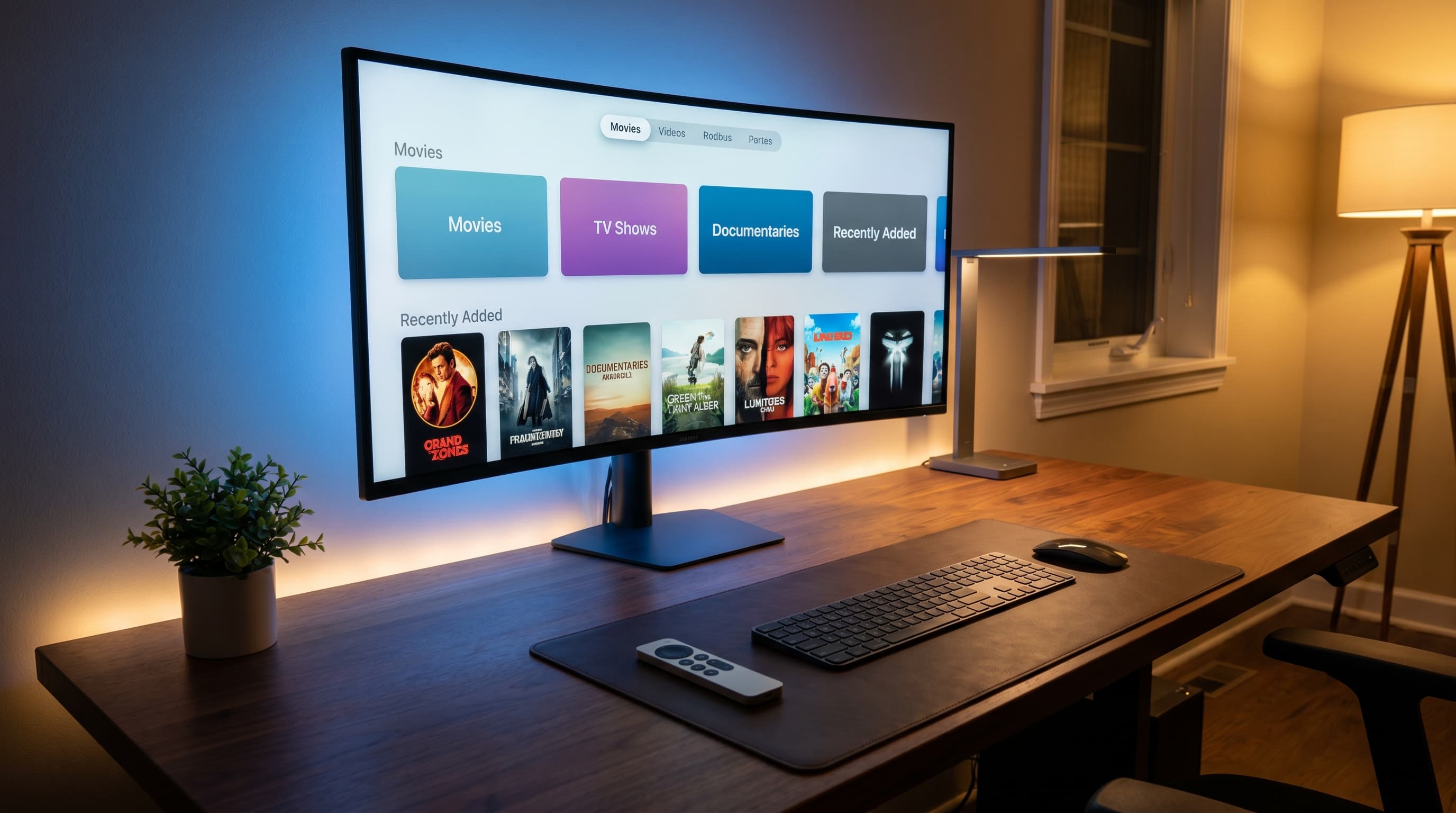
One of the standout features of this pairing is the professional layout. While many players feel cluttered or outdated, Smarters Pro provides a modern, grid-based system that makes browsing through thousands of channels effortless. When you connect your Kemo sat iptv credentials, the app automatically categorizes live TV, movies, and series into distinct, easy-to-navigate sections. This organization is vital when dealing with a massive library, ensuring you spend less time searching and more time watching.
Multi-Screen and User Profile Support
In 2026, household entertainment is often a shared experience. IPTV Smarters Pro allows for the creation of multiple user profiles, much like popular mainstream streaming platforms. This means family members can maintain their own "favorites" lists without interfering with others. Furthermore, if your Kemo iptv subscription supports multiple connections, the application’s multi-screen feature allows you to watch up to four different channels simultaneously on one screen—a dream come true for sports fans during busy tournament weekends.
Step-by-Step Kemo IPTV Subscription Activation
To begin your journey, you first need an active account. If you haven't secured one yet, you can see our pricing plans to find the package that fits your needs. Once you have your login details, the setup process is remarkably straightforward, regardless of the device you are using.
Obtaining Your Xtream Codes API Details
While many services use long, complicated M3U URLs, Kemo IPTV primarily utilizes the Xtream Codes API for a more stable and secure connection. When you sign up, you will receive three key pieces of information: a Server URL, a Username, and a Password. Using these details within Smarters Pro is the recommended method because it allows the app to update your channel list and EPG (Electronic Program Guide) automatically every time you log in. This ensures that you never miss a schedule update or a new channel addition.
Integrating the Electronic Program Guide (EPG)
A service is only as good as its metadata. One of the reasons people choose Kemo tv over competitors is the accuracy of its EPG. During the setup phase in Smarters Pro, once you enter your API details, the app will prompt you to "Install EPG." Always click yes. This feature provides a full timeline of upcoming shows, descriptions of movies, and even cast information. It transforms the experience from a simple stream into a fully-featured interactive television guide. For a broader look at what to expect from our service this year, our Kemo IPTV: Ultimate 2026 Buyer’s Guide and Service Review offers a deep dive into the service's evolution.
Optimizing Kemo Sat IPTV for High Performance
Even with the best service, your local network and app settings play a significant role in the final quality. To truly enjoy Kemo iptv hd content without interruptions, a few minor tweaks to the application settings can make a world of difference.
Buffering and Cache Settings
In the settings menu of IPTV Smarters Pro, you have the option to adjust the "Buffer Size." While it might be tempting to set this to the maximum, it can actually cause delays when switching channels. For most high-speed fiber connections, a "Small" or "Medium" buffer is ideal. This allows the Kemo sat iptv stream to pre-load just enough data to prevent stuttering while maintaining snappy channel-switching speeds. If you are using an older device, increasing the buffer slightly can help compensate for slower processing power.
Configuring Kemo IPTV HD Resolution and Format
To ensure you are getting the best possible picture, navigate to the "Player Selection" settings within the app. We recommend using the "Built-in Player" or "VLC" as the external player for the best compatibility with 4K and HDR content. Since Kemo IPTV delivers high-bitrate streams, ensuring your app is set to decode H264 and H265 hardware-wise will reduce the load on your device's CPU, leading to a cooler device and a smoother frame rate. If you are unsure if your hardware is up to the task, check compatible devices to see our recommended list of hardware for 2026.
Comparison: Kemo TV vs. Standard Service 2026
What sets Kemo tv apart from the sea of mediocre providers available today? It comes down to the quality of the source and the diversity of the content. Many users switching to us often mention the "stability gap" they experienced with previous providers.
Channel List Stability and Uptime
Most "free" or "budget" services suffer from constant channel "looping" or downtime during peak hours. Kemo IPTV utilizes a dedicated server architecture that prioritizes uptime for major events. Whether it’s a world-class football match or a live news broadcast, the infrastructure is designed to handle massive concurrent viewers without degradation. This reliability is a frequent highlight in any Kemo iptv review found online today.
VOD and Movie Kemo IPTV Content
Beyond live television, the Video on Demand (VOD) section is where the service truly shines. The movie Kemo iptv library is curated to include the latest 2026 releases in multiple languages and resolutions. Unlike other providers that offer low-quality "cam" versions, we prioritize high-definition digital releases. The integration with IPTV Smarters Pro allows these movies to be displayed with full posters, synopses, and ratings, giving you a Netflix-like experience at a fraction of the cost. If you run into any technical hurdles during this integration, our frequently asked questions page covers the most common user inquiries in detail.
Troubleshooting Common Setup Issues
Even the best systems can have occasional hiccups. Most issues with IPTV Smarters Pro are related to local network configurations or incorrect credential entry.
Authentication Errors
The most common issue is a "Login Failed" message. This is almost always due to a typo in the Server URL or the credentials. Remember that these fields are case-sensitive. Additionally, ensure that your subscription hasn't expired. If you are certain the details are correct and it still won't log in, try toggling your VPN. Sometimes, local ISPs (Internet Service Providers) may throttle IPTV-related traffic, and using a VPN can bypass these artificial restrictions, allowing your Kemo sat iptv stream to flow freely.
Missing EPG or Channel Data
If your channel list is empty or the EPG says "No Data Found," the simplest fix is to "Refresh" the data within the app settings. Over time, cached data can become stale. By forcing a refresh, Smarters Pro will reach out to the Kemo IPTV servers to pull the most recent M3U or API information. This is a quick fix that resolves 90% of display-related issues.
Conclusion
Setting up Kemo IPTV with IPTV Smarters Pro is the single most effective way to upgrade your home entertainment system in 2026. By following the steps outlined in this guide, you ensure a stable, high-definition, and user-friendly viewing experience that rivals any major streaming corporation. The combination of our robust server network and the advanced features of the Smarters Pro app creates a synergy that defines modern digital media consumption.
Are you ready to experience the pinnacle of television? Don't settle for buffering and low-quality streams. Join Kemo IPTV today and take full control of your entertainment with the best service and player combination on the market.