Setup guide
How to Set Up Kemo IPTV on Android
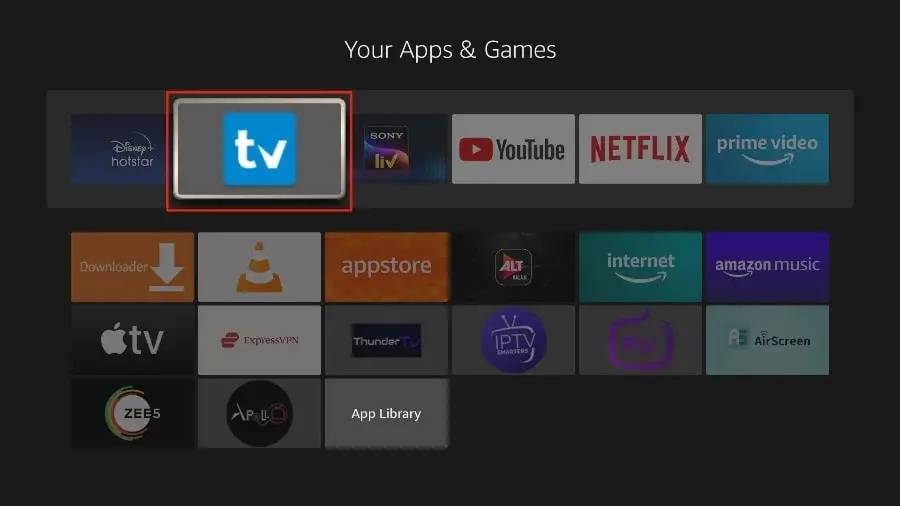
Android is the most flexible platform for IPTV because you can install any player you like. TiviMate is the usual choice on a TV box; Smarters Pro on a phone.
You need the username, password and server URL we send after you subscribe. If you have not got them yet, message us and we will sort it out.
- 01
Install a player from Google Play
TiviMate for an Android TV box, IPTV Smarters Pro for a phone or tablet. Both are in Play, so no sideloading is needed.
- 02
Add a playlist
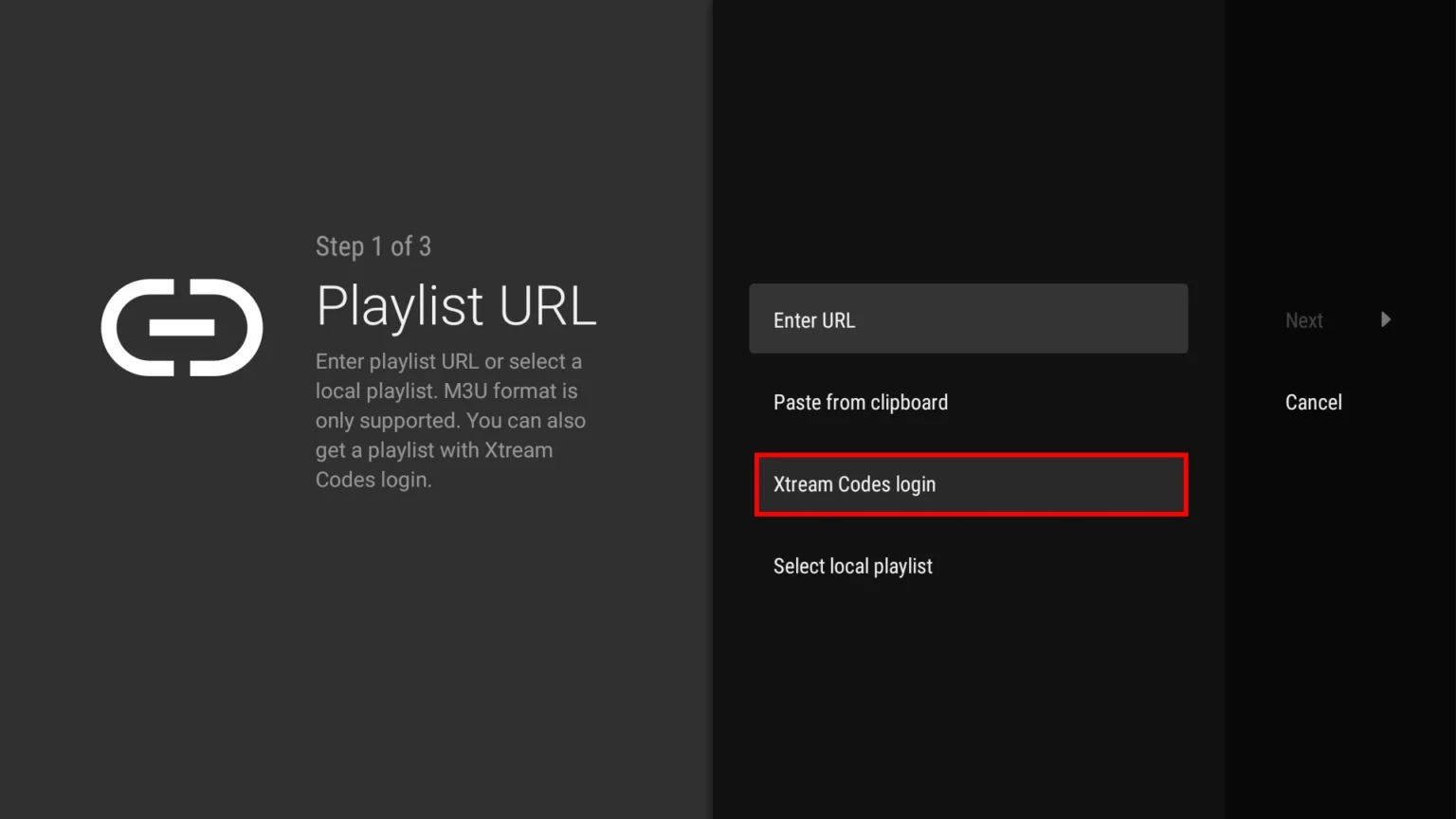
In TiviMate choose Add playlist, then Xtream Codes, and enter the username, password and server URL we sent. In Smarters Pro, choose Login with Xtream Codes API.
- 03
Wait for the guide to download
TiviMate downloads the program guide separately from the channel list. Give it a minute before judging whether the EPG is working.
- 04
Set your preferences
Both players let you hide channel groups you never watch. On a box with a remote this makes a real difference to how usable the list is.

Worth knowing
- On an Android box, a wired ethernet connection is almost always more stable than Wi-Fi.
- TiviMate's paid tier adds recording and multi-view. The free tier is enough for normal viewing.
Still not working?
The troubleshooting page covers buffering, login failures and a blank guide in the order worth trying them. Every plan includes a 7-day money-back guarantee, so a setup we cannot fix is not a setup you are stuck with.