Setup guide
Kemo IPTV Smarters Pro Setup on Android
Smarters Pro works with touch screens and television remotes, making it a practical choice when you use more than one type of Android device. The same login method applies on phones, tablets and Android TV.
You need the username, password and server URL we send after you subscribe. If you have not got them yet, message us and we will sort it out.
- 01
Install the Android player
Search Google Play for IPTV Smarters or the current Smarters player available for your device. Confirm the publisher before installing and avoid apps that ask you to purchase a television subscription.
- 02
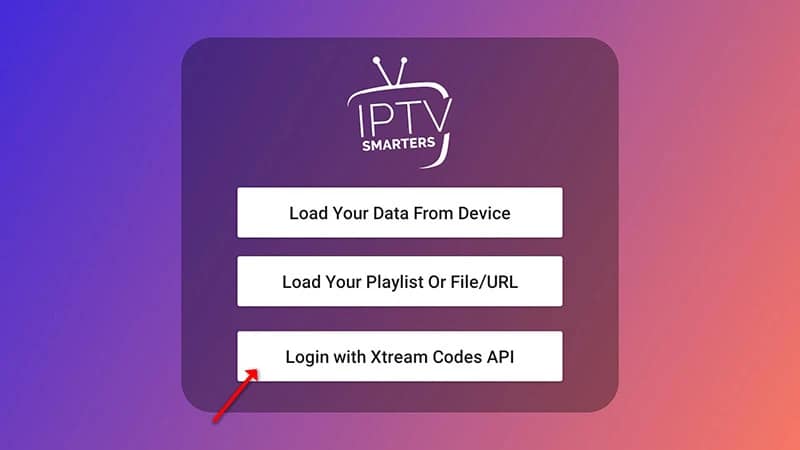
Select Xtream Codes API
Open the app, add a new user and choose Login with Xtream Codes API. This keeps the username, password and server address in separate fields and supports EPG data.
- 03
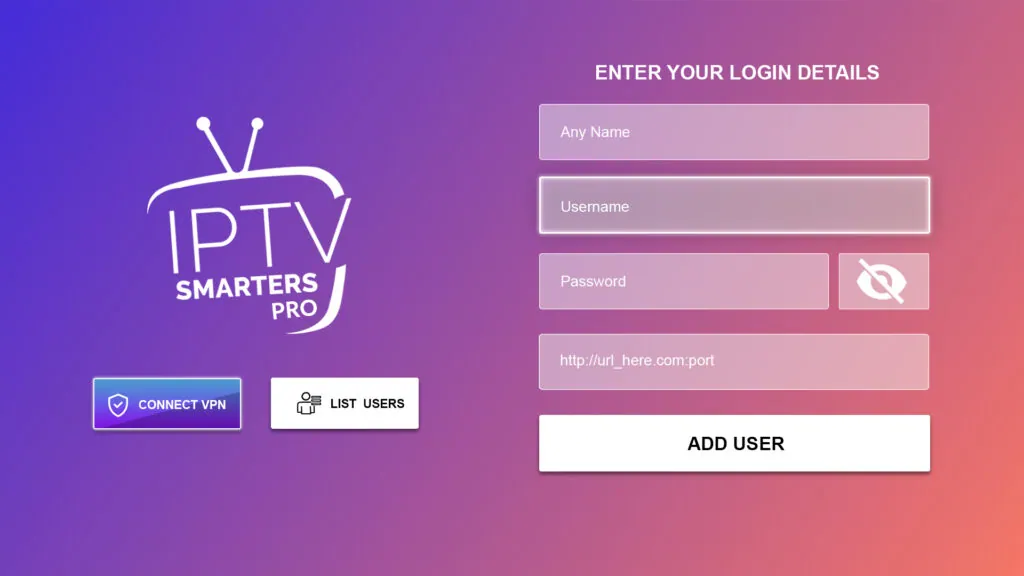
Enter the account details
Give the profile a name and type the server URL, username and password exactly as sent. If Android adds a space after pasted text, remove it before selecting Add User.
- 04
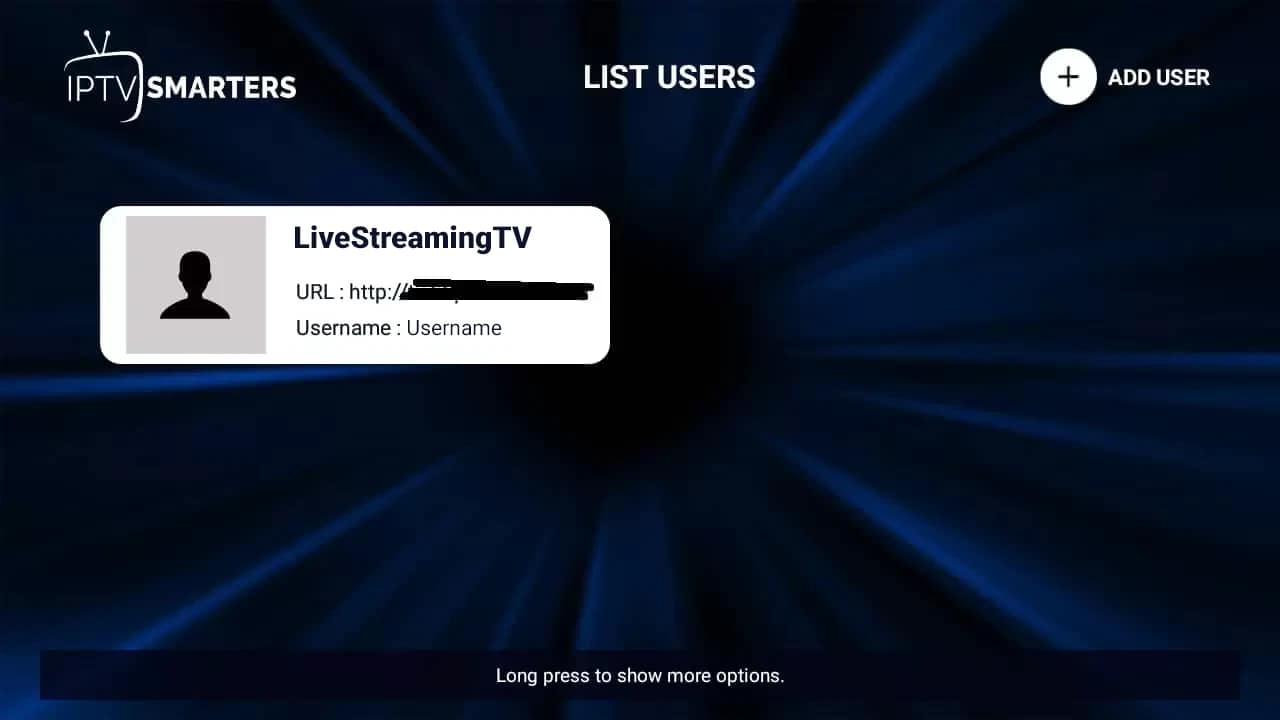
Load and test the library
Wait for the live, film, series and guide sections to synchronize. Open a live category and one on-demand category to confirm the initial data load completed.
- 05
Adjust playback only if needed
If video opens with sound but no picture, change the player engine in Smarters settings and test again. Leave the default setting in place when playback already works.

Worth knowing
- A login can be installed on several personal devices, but simultaneous viewing is limited by the number of connections in your selected plan.
- On touch devices, rotate to landscape for a larger guide; on Android TV, use the remote menu button to reveal channel options.
Still not working?
The troubleshooting page covers buffering, login failures and a blank guide in the order worth trying them. Every plan includes a 7-day money-back guarantee, so a setup we cannot fix is not a setup you are stuck with.