Setup guide
How to Watch Kemo IPTV on Roku
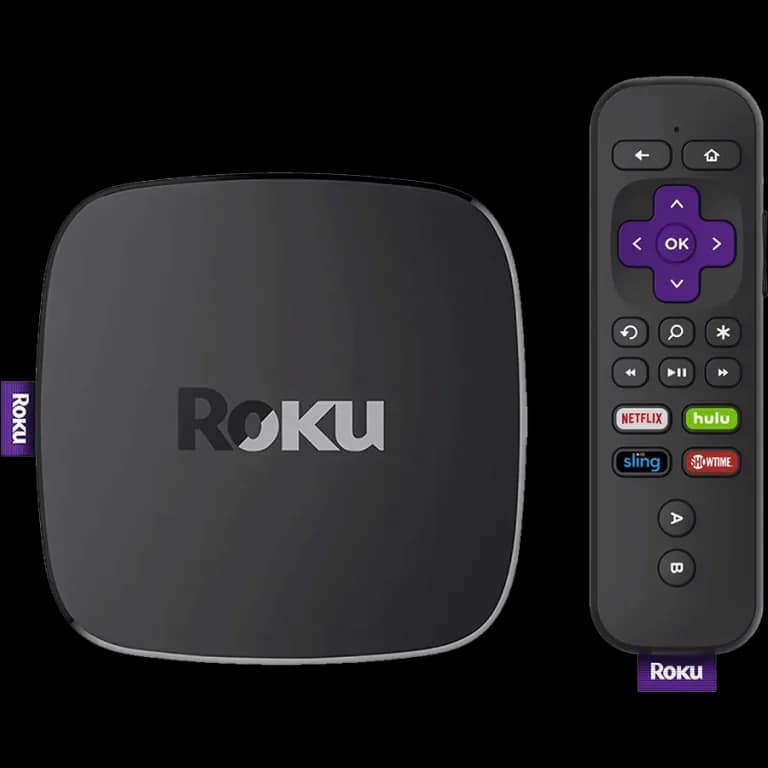
Roku is the most restrictive platform for IPTV, and it is worth being straight about that before you start. There is no mainstream Xtream Codes player in the Roku channel store.
You need the username, password and server URL we send after you subscribe. If you have not got them yet, message us and we will sort it out.
- 01
Check what your Roku supports
Roku does not allow sideloading the way Fire TV does, and compatibility depends on your model and what is currently in the Roku channel store. Check the store for a player that accepts your login details before assuming it will work — mirroring from another device is the fallback if nothing suitable is there.
- 02
Enable screen mirroring
In Settings, System, Screen mirroring, set the mode to Prompt or Always allow. This lets an Android phone or Windows laptop cast to the Roku.
- 03
Cast from a device that has a player
Set the service up on an Android phone or a Windows laptop, then mirror the screen to the Roku.
- 04
Consider a different stick if you use it daily
Mirroring works but it drains the phone and adds a point of failure. If Roku is your main TV device, a Firestick in a spare HDMI port is a better long-term answer.
Worth knowing
- This is the one platform where we would tell you the experience is worse than the alternatives. Better to know now than after you subscribe.
Still not working?
The troubleshooting page covers buffering, login failures and a blank guide in the order worth trying them. Every plan includes a 7-day money-back guarantee, so a setup we cannot fix is not a setup you are stuck with.