Setup guide
Kemo IPTV Setup on Formuler with MyTVOnline
Formuler boxes include MyTVOnline, so you normally do not need a separate IPTV player. The menu wording differs slightly between MyTVOnline 2 and 3, but both accept a portal or Xtream Codes connection.
You need the username, password and server URL we send after you subscribe. If you have not got them yet, message us and we will sort it out.
- 01
Open MyTVOnline
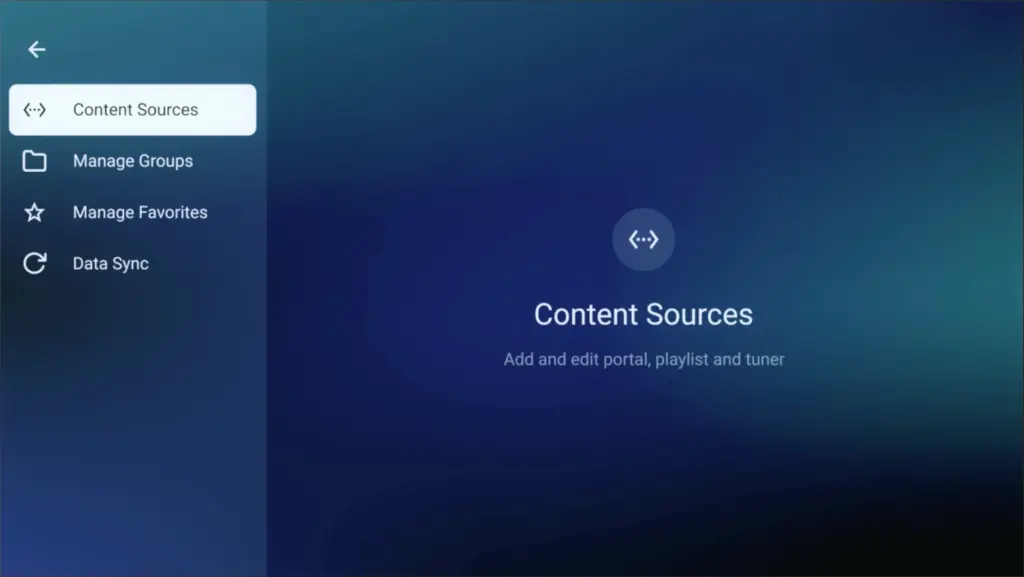
From the Formuler home screen launch MyTVOnline 2 or MyTVOnline 3. If the app requests an update, complete it before adding a new connection so the setup menus match the latest version.
- 02
Add a new connection
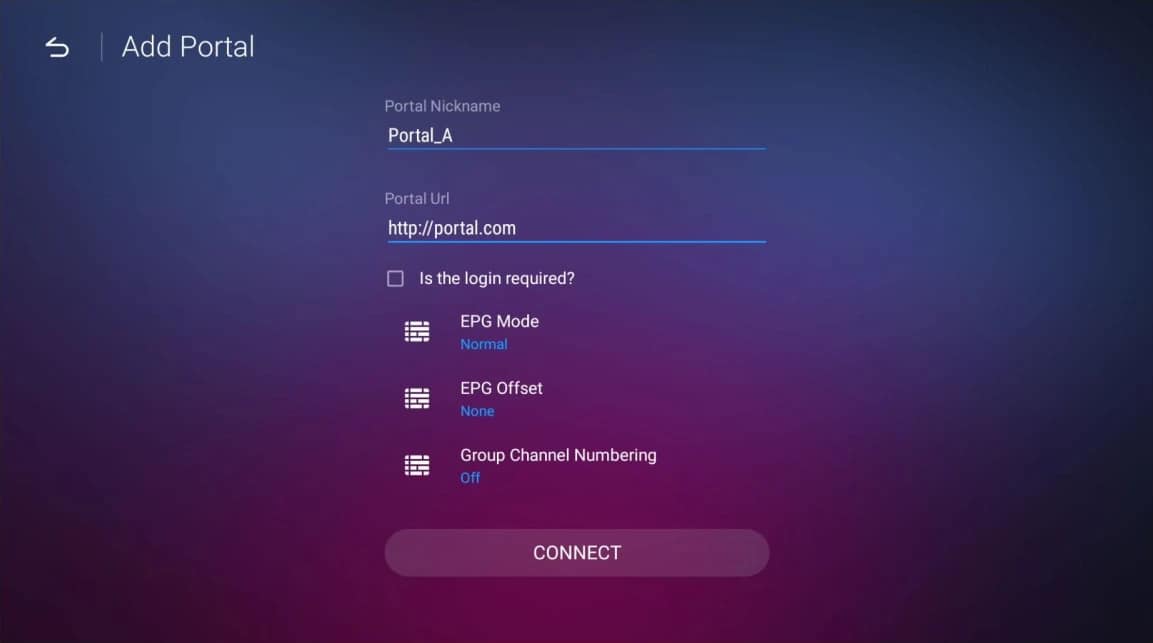
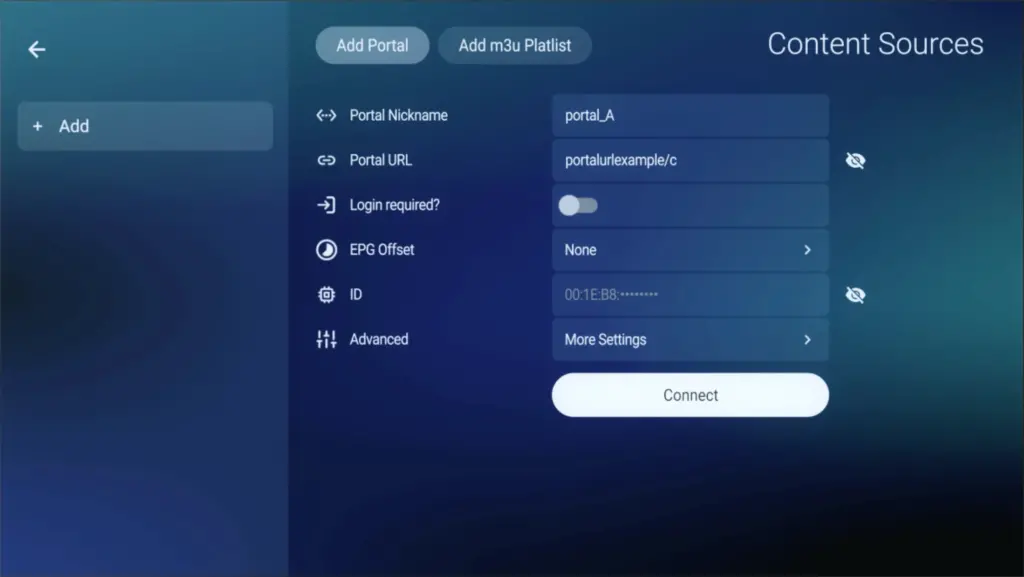
Choose Add Portal when we supplied a portal address, or Add Xtream Codes when you received a server URL, username and password. Using the matching connection type avoids unnecessary conversion.

- 03
Enter the supplied details
Type each field exactly as sent. For a portal connection, include the full portal URL and provide the device ID shown by MyTVOnline if support asks for it. For Xtream Codes, complete all three login fields.

- 04
Connect and update the guide
Save the profile and choose Connect. Leave the box on the loading screen until live channels, films, series and EPG data finish updating; closing the app early can leave incomplete categories.
- 05
Create favorites and test playback
Open a channel from the guide, then hold the favorite button on the remote for the channels you use most. Test both live TV and one on-demand title before considering the setup complete.
Worth knowing
- MyTVOnline is designed for the Formuler remote and usually gives a better experience than installing a generic Android player.
- If a portal profile stops connecting, confirm the box date and time before deleting the profile; an incorrect clock can break secure connections.
Still not working?
The troubleshooting page covers buffering, login failures and a blank guide in the order worth trying them. Every plan includes a 7-day money-back guarantee, so a setup we cannot fix is not a setup you are stuck with.