Setup guide
Kemo IPTV Smarters Pro Setup on Firestick
IPTV Smarters Pro combines live TV, films, series and the program guide in one Firestick interface. You provide the player with the server URL, username and password sent with your Kemo IPTV account.
You need the username, password and server URL we send after you subscribe. If you have not got them yet, message us and we will sort it out.
- 01
Install the player
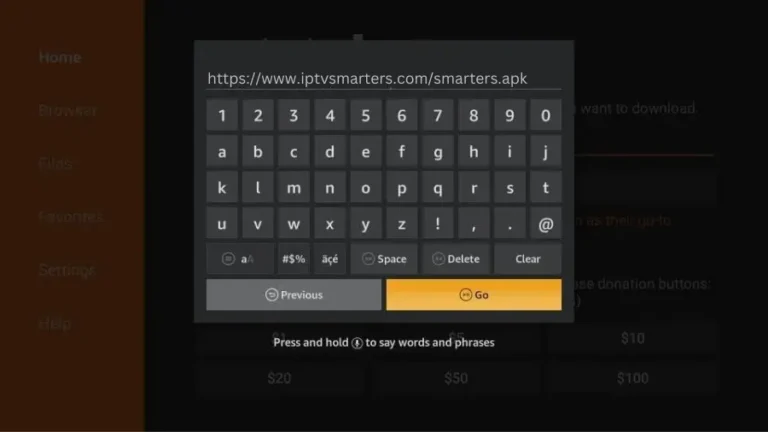
Use the Amazon Appstore when the player is listed. Otherwise, enable installation for Downloader and obtain the current Smarters package from its official source; avoid unofficial modified versions.
- 02
Open Smarters Pro
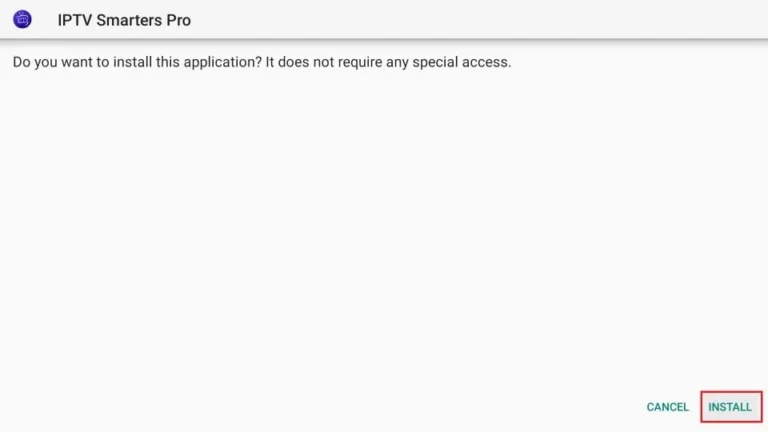
Launch the app, accept its terms and select the television layout if prompted. Choose Add New User rather than importing a local playlist file.
- 03
Choose Xtream Codes API
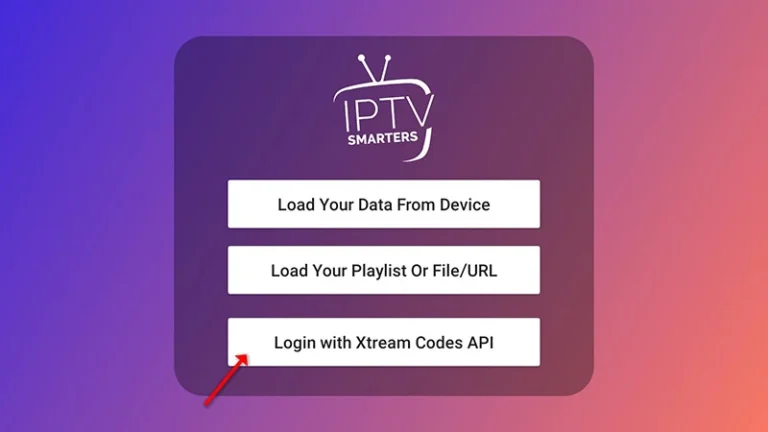
Select Login with Xtream Codes API. Give the profile a name, then enter the username, password and complete server URL exactly as supplied in your account message.
- 04
Wait for every section to load
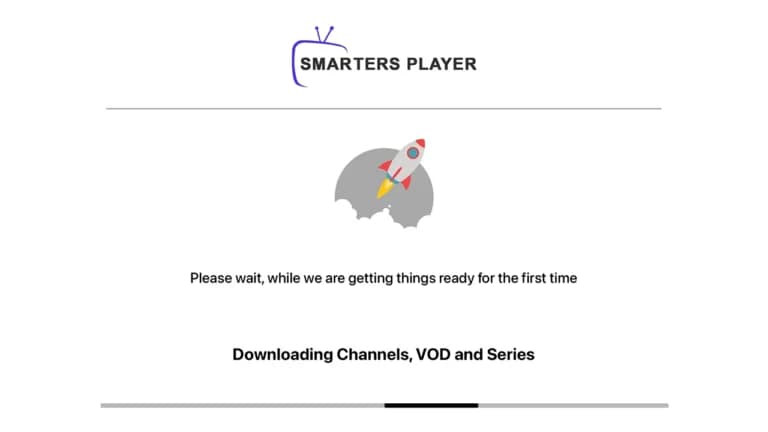
Keep the app open while it downloads live channels, films, series and EPG data. The home screen can appear before every category finishes, so wait for the progress messages to complete.
- 05
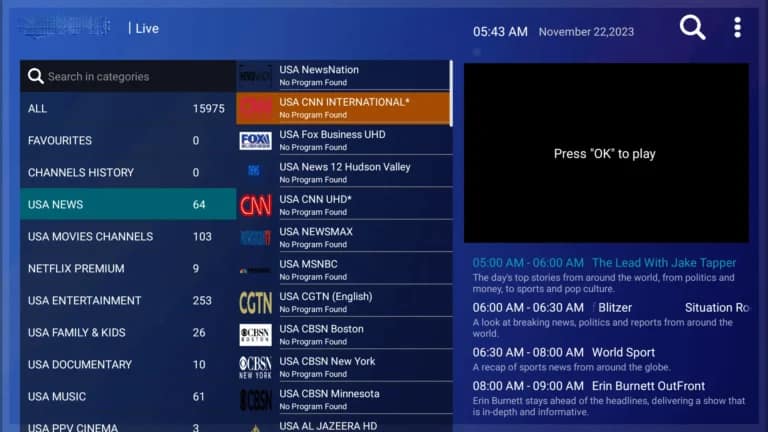
Test a channel and refresh the guide
Open Live TV, choose a category and play one channel. If programme names are blank, open Settings and refresh the TV guide instead of entering the login again.
Worth knowing
- If the app reports Invalid Details, first check the server URL and capitalization; repeated reinstalls do not correct a mistyped login.
- Multi-screen viewing requires enough simultaneous connections on your subscription and sufficient bandwidth for each stream.
Still not working?
The troubleshooting page covers buffering, login failures and a blank guide in the order worth trying them. Every plan includes a 7-day money-back guarantee, so a setup we cannot fix is not a setup you are stuck with.