Setup guide
Kemo IPTV TiviMate Setup on Firestick
TiviMate is built for television remotes and offers a clean guide on Fire TV. The player and the Kemo IPTV subscription are separate: install the app first, then add the credentials we provide.
You need the username, password and server URL we send after you subscribe. If you have not got them yet, message us and we will sort it out.
- 01
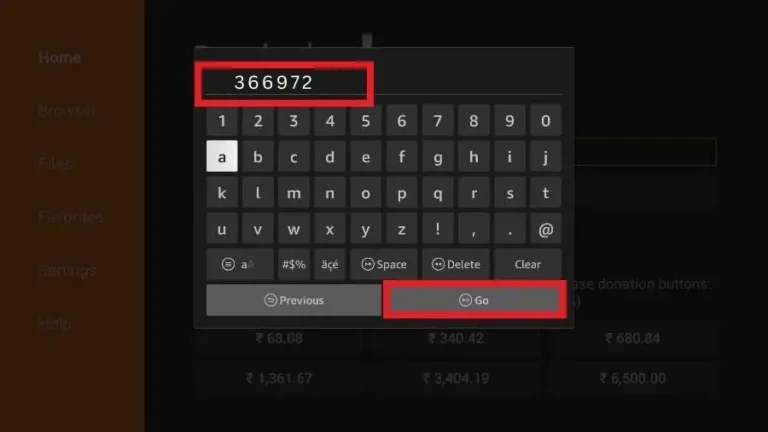
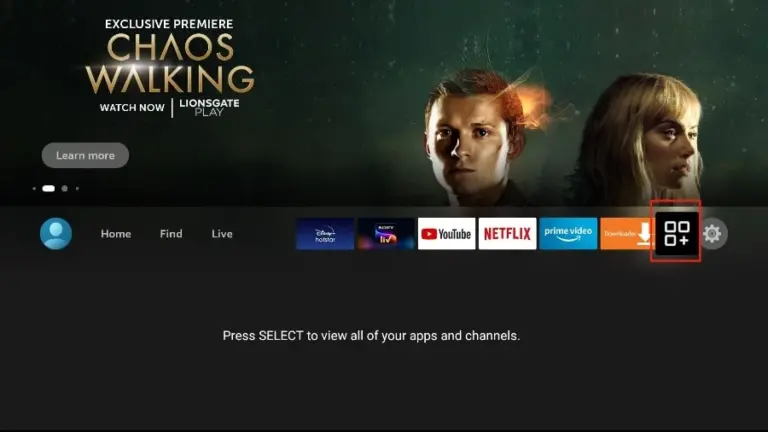
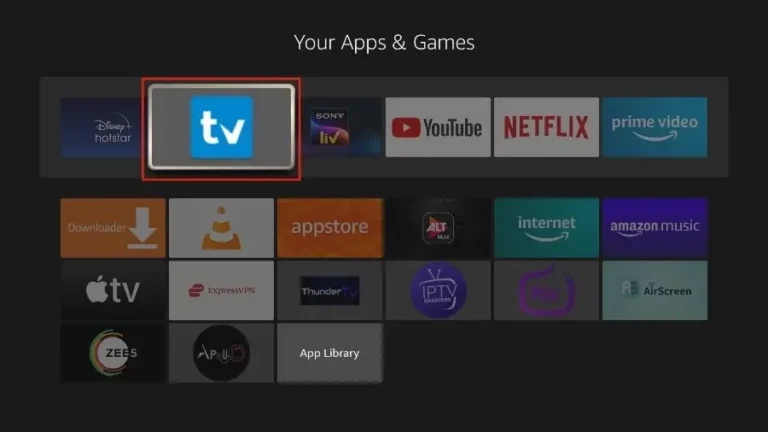
Install the TiviMate app
Search the Amazon Appstore first. If TiviMate is unavailable for your Fire TV region, use Downloader with the current download address from TiviMate's official source rather than a random APK website.
- 02
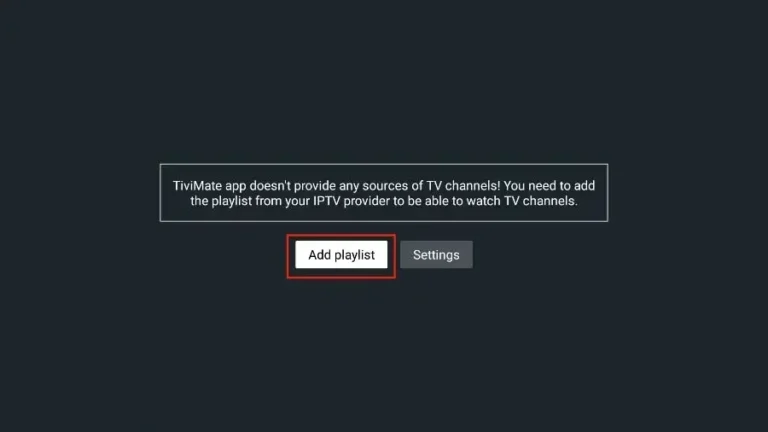
Open TiviMate and add a playlist
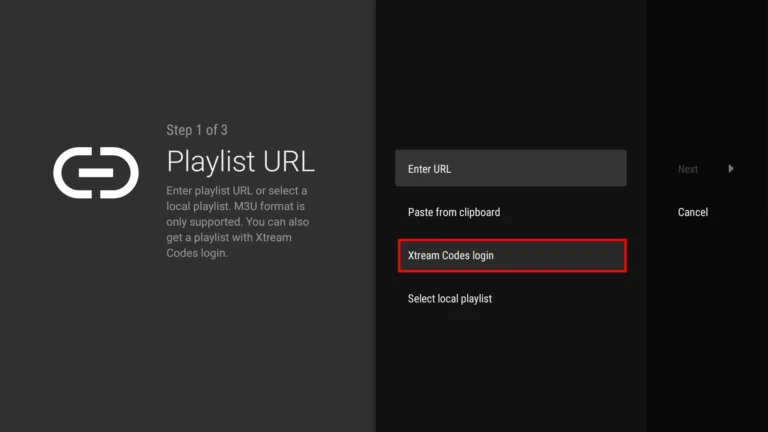
Launch the player and choose Add Playlist. Select Xtream Codes login when you have a server URL, username and password; use M3U only when we specifically send a playlist link.
- 03
Use Xtream Codes login
Enter the server address in the first field, followed by your username and password. Keep the address format exactly as supplied and avoid adding a slash unless it is already present.
- 04
Name and process the playlist
Choose a name that will be easy to recognize, keep VOD included if you want films and series, then continue. Wait until TiviMate confirms that the playlist has been processed.
- 05
Update the EPG and choose favorites
Open Settings, EPG and select Update EPG. Return to the guide, hold the select button on frequently watched channels and add them to Favorites for a shorter daily list.
Worth knowing
- The free TiviMate version is enough for basic live viewing; premium features are purchased from TiviMate and are not included with the subscription.
- If EPG rows are empty while channels play, run Update EPG before removing and recreating the playlist.
Still not working?
The troubleshooting page covers buffering, login failures and a blank guide in the order worth trying them. Every plan includes a 7-day money-back guarantee, so a setup we cannot fix is not a setup you are stuck with.